You are one step closer to your first LlamaSite!
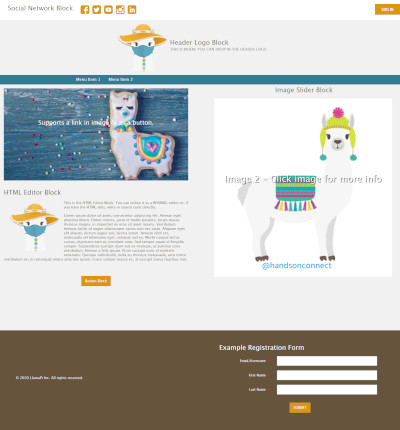
(Blank without login)
(Blank + simple login)
(Blank + simple login & simple registration)
(LlamaSite theme + simple login & simple registration)
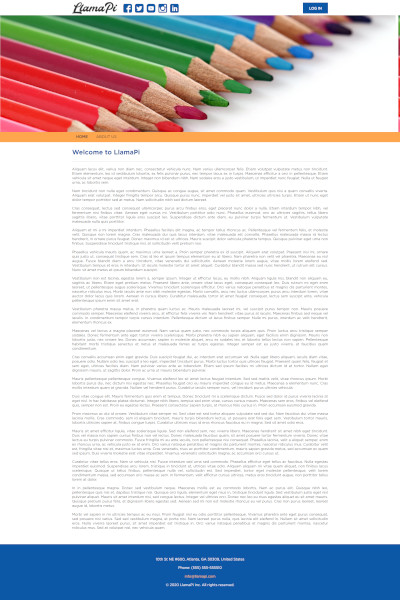
(Colorful theme + simple login & simple registration)

(Yellow theme + simple login & simple registration)
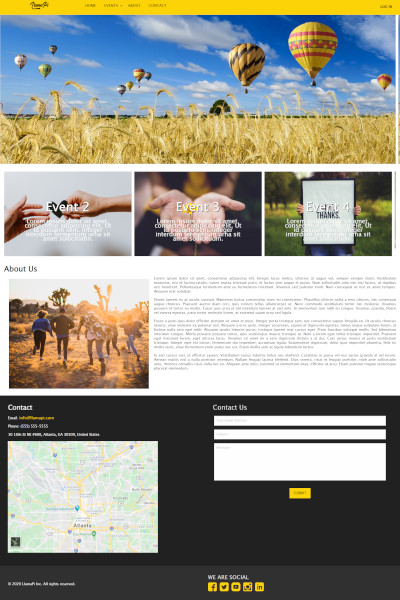
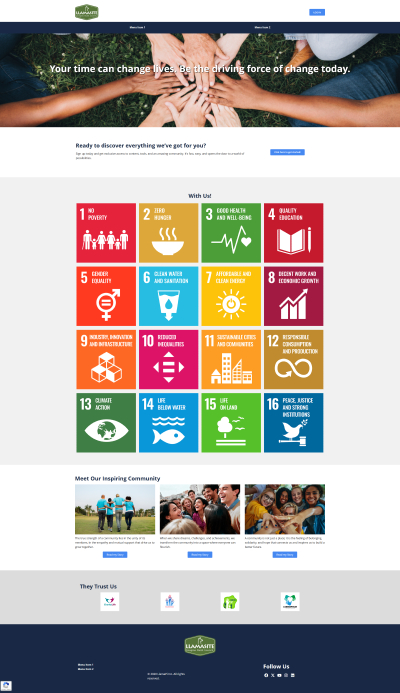
(Template 2026 Modern Version + simple login & simple registration)
How LlamaSite Installation works?
LlamaSite requires Authorization
In order to establish the connection between your Salesforce organization and your LlamaSite services, it is required to Authorize the LlamaSite Connect App.
How Authorization works?
You will be redirected to the Salesforce Remote Access Authorization Page. You will need to log in to your account and click "Allow" to the list of permissions required by the LlamaSite application.
Once the LlamaSite application is allowed, you will be able to continue with the authorization process.
What user must complete the Authorization?
Authorization can be completed for any user with API Access, but its good practice to complete the Authorization for a Salesforce API user.